The right choice. The right stock.
Give products their options and keep the details organized behind the scenes: variants, prices, images, and availability.
 Good coffee. Good mornings.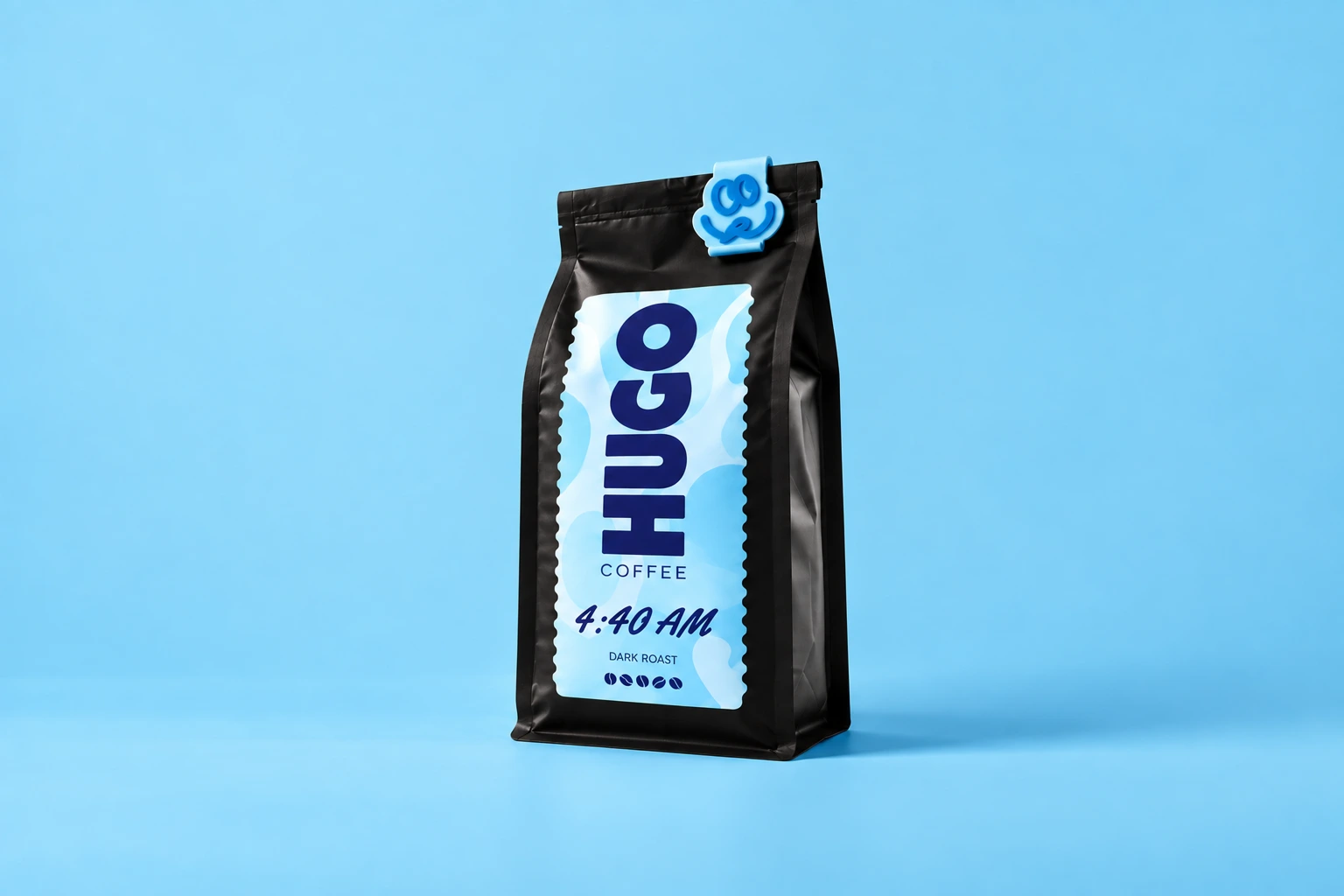
4:40 AM
Little sleep. Big coffee.
$28 / 340 g bagA product is more than a name and price.
Manage descriptions, images, status, and organization in the product editor. Choose the product type and configure the settings that match how it is sold.
Use clear naming and useful imagery so the storefront can explain the offer. Keep drafts out of the live catalog until the product and purchase flow are ready.
Choose your plan.
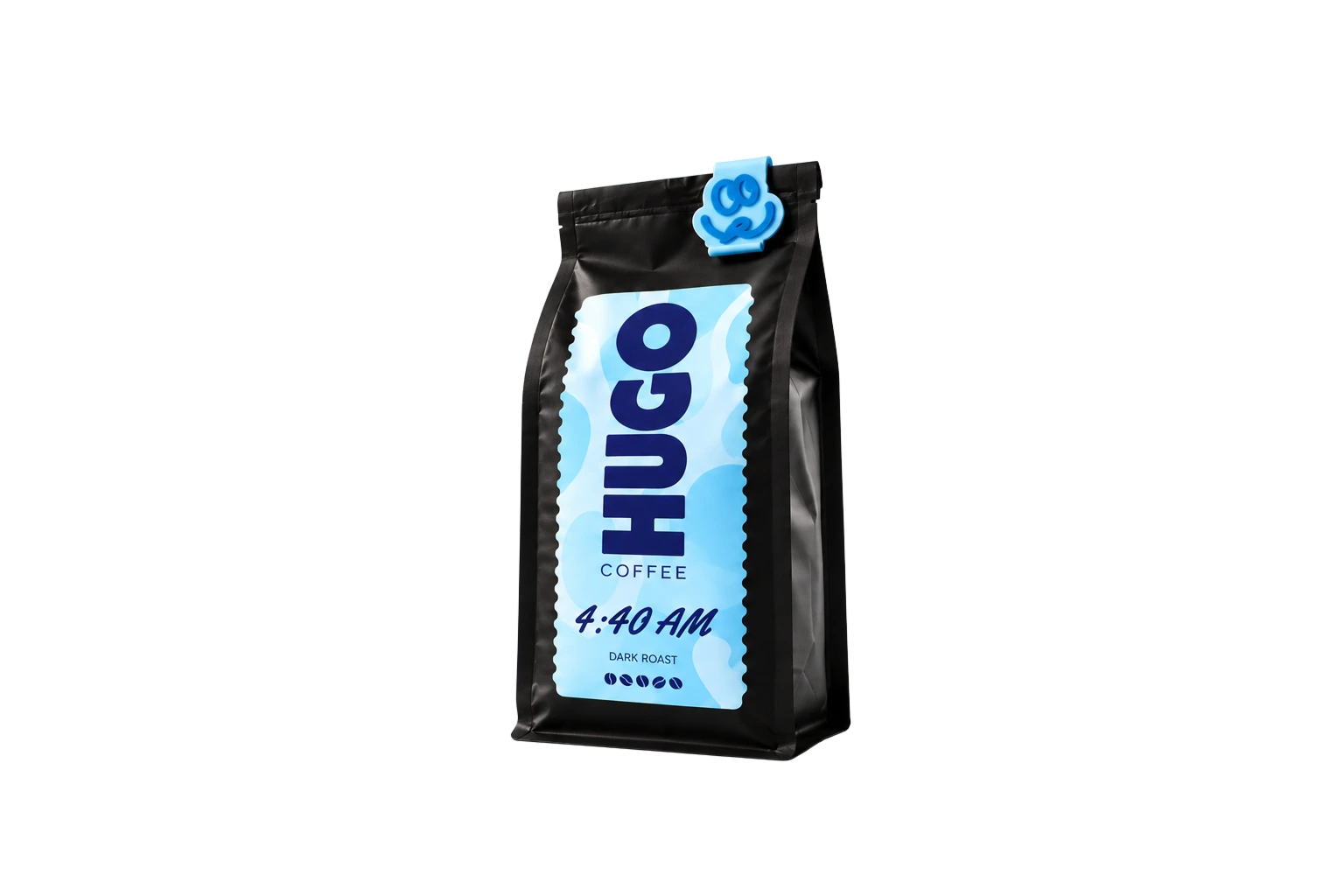
Dark roast
Your next good morning, sorted.
Keep each variation identifiable.
Product option combinations become variant records with their own SKU and option values. Variant pricing and stock can then be connected to the storefront.
The current storefront integration provides selectors for the first two options. If your catalog needs more than two shopper-facing option groups, discuss the interface requirements before launch.
Know what is available.
Adjust stock and review inventory history in the dashboard. Where managed catalog elements are connected, the SDK updates product pricing and stock in the page.
A managed sold-out product can disable its connected add-to-cart action. Test your own storefront selectors and stock behavior so customers see the right availability for their choice.

 Dashboard
Good things are happening.
 #1048Alex CarterVancouver, CAPaid$75.00
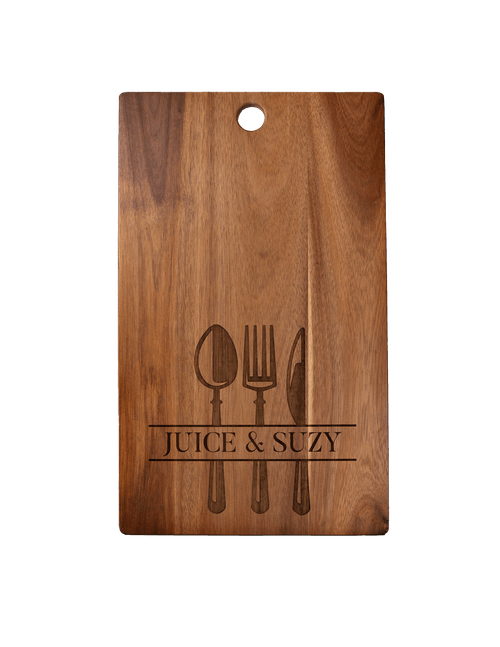 #1049Jamie ChenToronto, CAPaid$75.00#1050Sam RiveraPortland, USPaid$150.00#1048Alex CarterVancouver, CAPaid$75.00#1049Jamie ChenToronto, CAPaid$75.00#1050Sam RiveraPortland, USPaid$150.00
Test the choices, not just the default.
Work through every important combination: sizes, colors, prices, out-of-stock variants, and quantity changes. Check that the image, selected option, and cart line describe the same product.
A well-organized catalog gives your team clearer operations and your customers more confident choices.

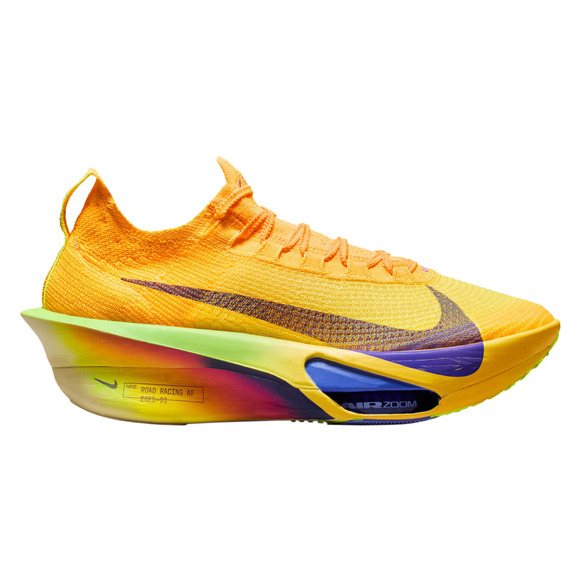
From your first idea
to their next order.
Connect your website. Add your products. Make it yours.
Start your free trial