Build your Webflow store with confidence.
A clear route through installation, checkout design, and the decisions that turn a Webflow website into a working store.
 Good coffee. Good mornings.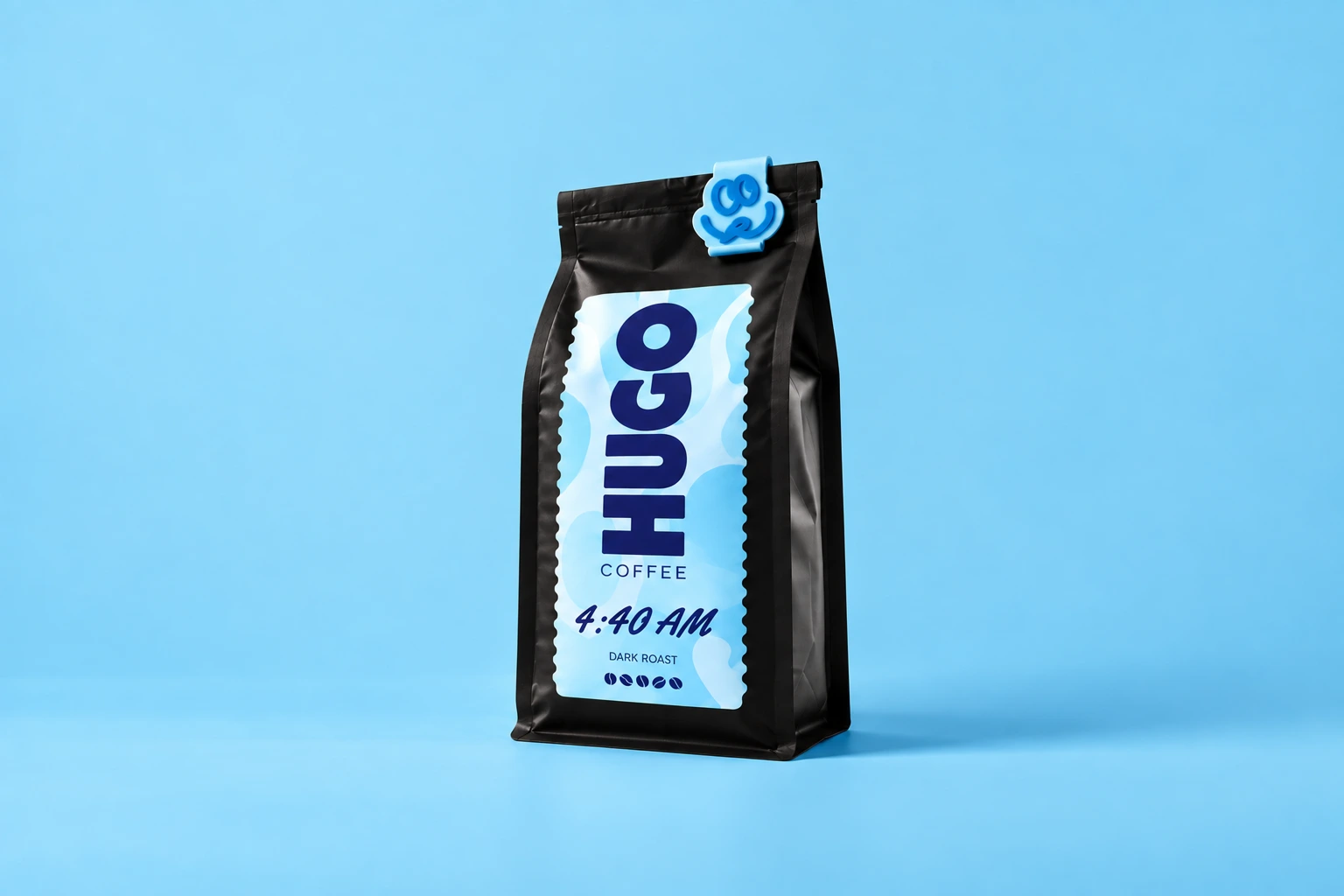
4:40 AM
Little sleep. Big coffee.
$28 / 340 g bagInstall Penni Cart in Webflow
Connect your website and its commerce elements.
ExploreCustomize your checkout
Plan a clear, branded last step.
ExploreConfigure shipping
Give your customers appropriate delivery choices.
ExplorePlan recurring products
Understand the offer and recurring-payment setup.
ExploreStart with the connection.
Begin with the Webflow installation guide. Connect your store, identify the commerce pages you need, and understand how product and checkout elements are bound.
Keep a staging version of the site for testing. Installation becomes much easier to evaluate when you can follow one product all the way through to a test order.
Open the Webflow quickstart Install App ↗
 Claude
Add a cart and custom checkout.
Give the last step as much care as the first.
Checkout needs clear product information, understandable delivery choices, and usable payment and error states. Keep the visual identity of your website while making the customer’s next action obvious.
Use the checkout guide to plan the experience before you refine the final colors and typography. Test it on the devices your customers actually use.
Explore checkout customization

Make the platform decision with the whole store in mind.
Compare the commerce workflow, payment requirements, hosting costs, and recurring-product needs of your store. Native Webflow Ecommerce and a separate commerce layer offer different operating approaches.
Use a platform comparison to frame your questions, then verify current features and prices directly. A good choice fits both the website and the team running it.
Compare Webflow Ecommerce optionsPlan what happens after the order.
Set shipping coverage, product availability, notifications, and the routine for reviewing incoming orders. These details are part of a launch, even when the website itself is ready.
Start small, test the complete journey, and improve it from real customer behavior. Your first useful milestone is a working store, not a large collection of untested pages.

 Dashboard
Good things are happening.
 #1048Alex CarterVancouver, CAPaid$75.00
 #1049Jamie ChenToronto, CAPaid$75.00#1050Sam RiveraPortland, USPaid$150.00#1048Alex CarterVancouver, CAPaid$75.00#1049Jamie ChenToronto, CAPaid$75.00#1050Sam RiveraPortland, USPaid$150.00
From your first idea
to their next order.
Connect your website. Add your products. Make it yours.
Start your free trial